We have all been there: you are scrolling through your For You Page (FYP), you find a hilarious meme or a crucial tutorial, and you go to save it—only to realize the download button is missing. Sometimes, you are even hit with a frustrating “Video Not Available” message.
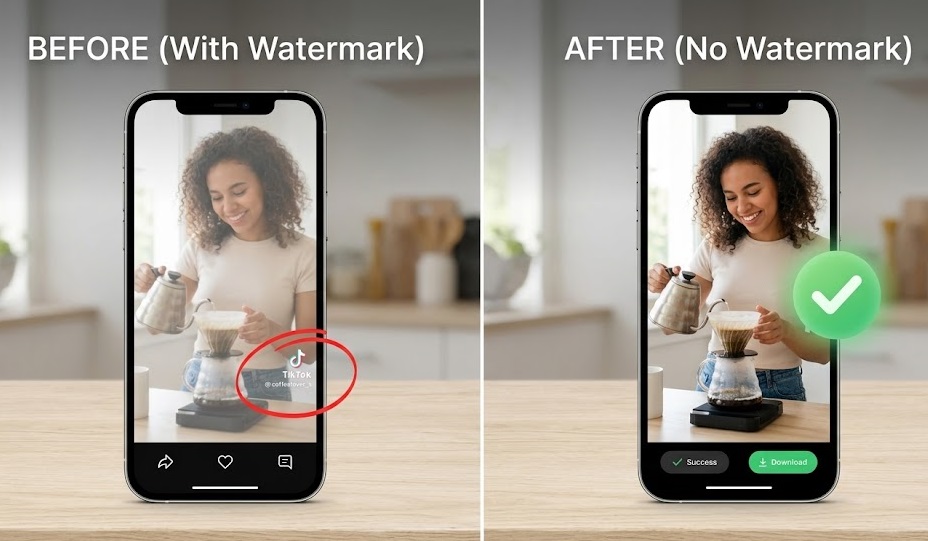
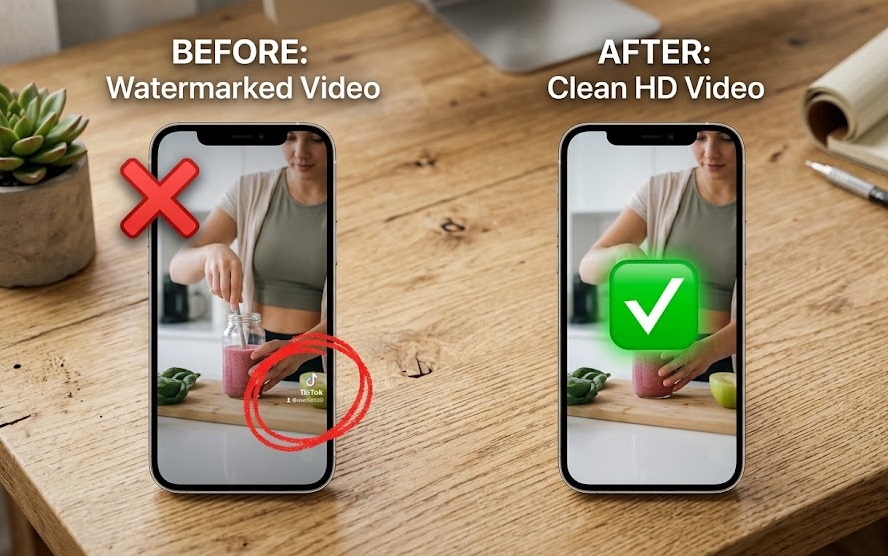
Whether you want to repurposed content or just keep an offline collection, running into TikTok’s download restrictions can ruin the experience. Fortunately, there is a reliable tiktok fix for this. In this comprehensive guide, we will break down exactly why this happens and show you how to download blocked videos in full HD without any watermarks.
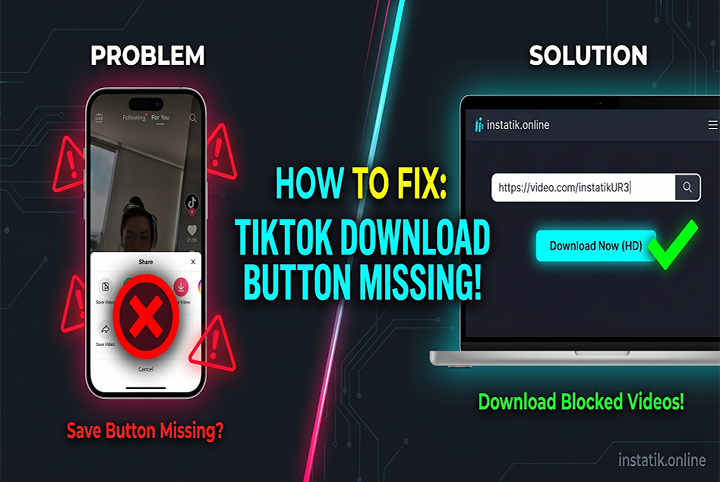
Why is the TikTok Save Video Not Showing?
Before we jump into the solution, it helps to understand why TikTok restricts certain downloads. If the save video not showing issue is happening on your account, it is likely due to one of these three reasons:
- Creator Privacy Settings (Most Common): The video creator has manually gone into their privacy settings and turned off the “Allow your videos to be downloaded” toggle. They do this to prevent their content from being reposted without credit.
- Age Restrictions: To protect younger users, TikTok automatically disables the download feature for any account registered to someone under the age of 16.
- Regional or Copyright Blocks: Certain sounds or visuals might be copyrighted in your specific country. When this happens, the video might play, but the download feature will be blocked to comply with local copyright laws.
The Ultimate Fix: How to Download Blocked Videos
Many people assume that if the download button is gone, their only option is to screen-record the video. But screen recording ruins the quality, captures the messy UI (likes, comments, share buttons), and leaves you with a massive file size.
The best tiktok fix 2026 is to use a dedicated web tool that extracts the raw video file directly from TikTok’s servers. Here is how you do it step-by-step:
Step 1: Open the TikTok app and navigate to the restricted video.
Step 2: Tap the Share icon (the right-pointing arrow).
Step 3: Tap on Copy Link.
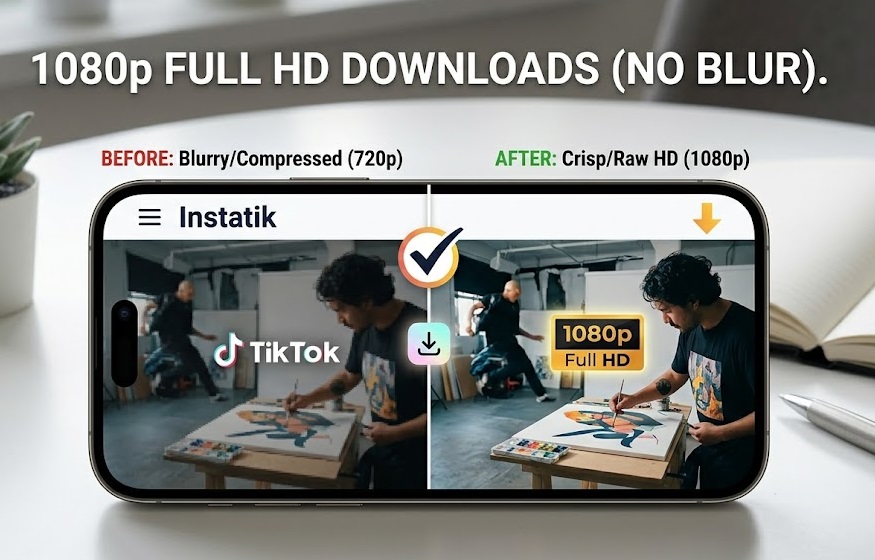
Step 4: Paste that link directly into the Instatik tool below to extract your video in 1080p HD!
Fix it Now: Download Any Blocked TikTok Video
Paste your copied link below to extract the video in full HD, without watermarks.
✓ 100% Free & SecureCommon TikTok Download Errors (Quick Troubleshooting)
Even when using external tools, you might occasionally run into minor glitches. Here is how to handle them:
- Error: “Video is under review”
If TikTok is currently reviewing a video for community guideline violations, its link cannot be processed by any downloader. Fix: Wait 1-2 hours and try pasting the link again. - Error: Link copied but won’t paste properly
Sometimes the TikTok app copies extra text along with the URL (e.g., “Check out this great video! https://…”). Fix: Make sure you delete the text and only paste the actual URL starting with https:// into the downloader.
Frequently Asked Questions (FAQs)
-
Can I download a private TikTok video?
If a creator’s entire account is set to “Private,” standard web tools cannot access the video. You can only download videos from public accounts, even if the specific video’s download button is disabled.
-
Is it safe to use a third-party site to download blocked videos?
Yes, as long as you use a secure, web-based tool. Avoid downloading suspicious “.apk” or “.exe” apps that claim to bypass TikTok restrictions. Web-based platforms are 100% safe because they don’t require you to install anything on your device.
Get Unrestricted Access to Your Favorite Content
Stop letting missing buttons and regional blocks dictate what you can and cannot save. By using a secure extraction method, you can bypass these annoying restrictions in seconds.
Ready to start building your offline video collection? Head over to the Official Instatik TikTok Downloader to save, repurposed, and enjoy your favourite content in stunning HD, watermark-free!