Look, scrolling through TikTok on your desktop is great until you want to save a useful video for later. If you’re on your phone, saving is usually just a tap away. But on a computer? It’s a complete headache. Try right-clicking and hitting “Save Video As,” and your browser downloads a useless HTML webpage file instead of the actual MP4.
If you are searching for a reliable tiktok downloader pc tool, Google throws a bunch of downloadable .exe or .dmg files at you. Please don’t install those. As a web developer who builds platforms, I can tell you straight up—most of that desktop software is just bloatware or worse, spyware hiding behind a clean interface. You do not need to install local software just to rip a 15-second video.
Browser Extensions Are Not the Answer (Why I Avoid the chrome extension Trap)
I used to rely on different chrome extension video savers, but I don’t anymore. Extensions break all the time when TikTok changes their code. More importantly, they run in the background, consuming RAM and tracking your tabs. It’s just not safe or efficient. A server-side fetcher does all the exact same work in the cloud, offering a secure alternative for a clean tiktok pc download without cluttering your browser.
How to Save Videos Using Chrome/Safari (Windows or Mac)
This method is stupidly simple. It doesn’t matter if you are on an old Windows rig or looking for a reliable macbook tiktok saver. If you have a browser, you are good to go:
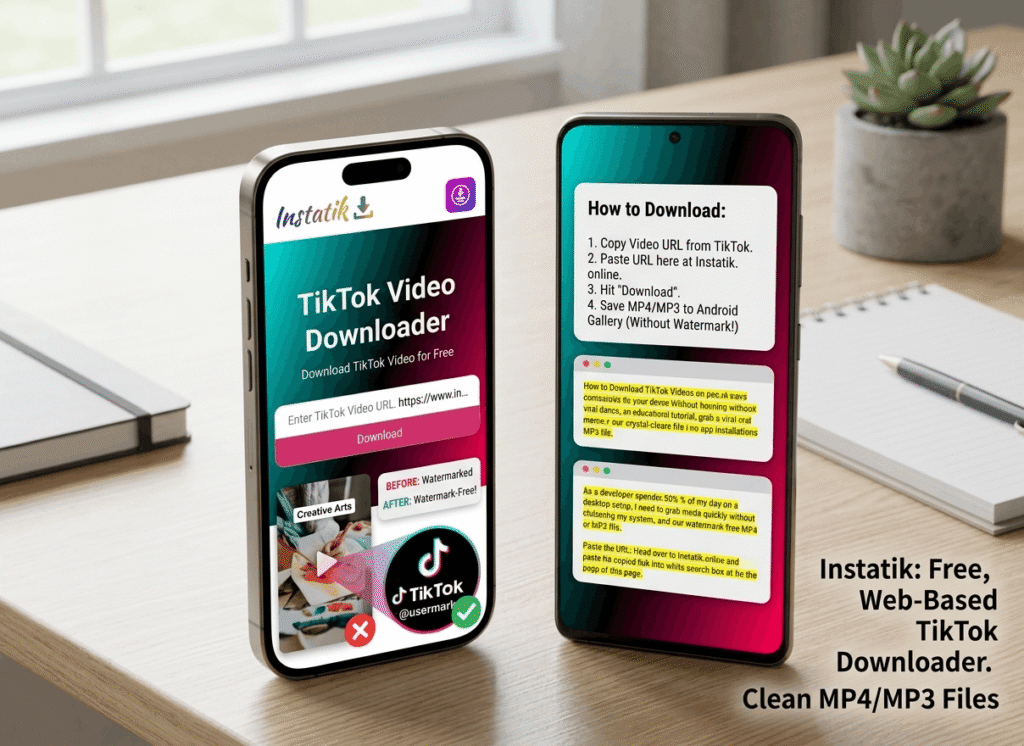
- Copy the specific URL: Open TikTok.com in your browser, find the video, and click the share arrow. Tap Copy Link.
- Head to the fetcher: Open a new tab and go to Instatik.online. No installs required, completely browser-based. (Pro-Tip: Bookmark this page for unlimited, free downloads later).
instatik.online/tiktok - Paste and save: Right-click and paste your link into the big search box. Hit download, and our server does the heavy lifting, stripping the watermark to give you a clean HD file. Check your computer’s “Downloads” folder. Boom. Done.
Just Need the Audio? (MP3 Extraction Feature)
Sometimes you don’t even care about the video. Maybe you’re putting together a YouTube compilation or just need that trending sound effect. When you paste your link into our tool, just select the MP3 option instead. It strips the audio track for high bitrates and gives you a standalone sound file, saving hard drive space.
Interlink Your Media Archive Strategy
Don’t clutter your PC with single-use apps and sketchy chrome extension options. Keep your workflow entirely in your browser. And if your media archiving goes beyond TikTok, you can use our exact same secure infrastructure to download content from other networks using our dedicated Facebook tool for high-res group videos or our Instagram saver for reels. Same clean interface. Zero annoying ads. (Trying to save on mobile? Check out our dedicated guide for Android gallery save trick or ensure maximum crispness with our 1080p full HD downloading guide.