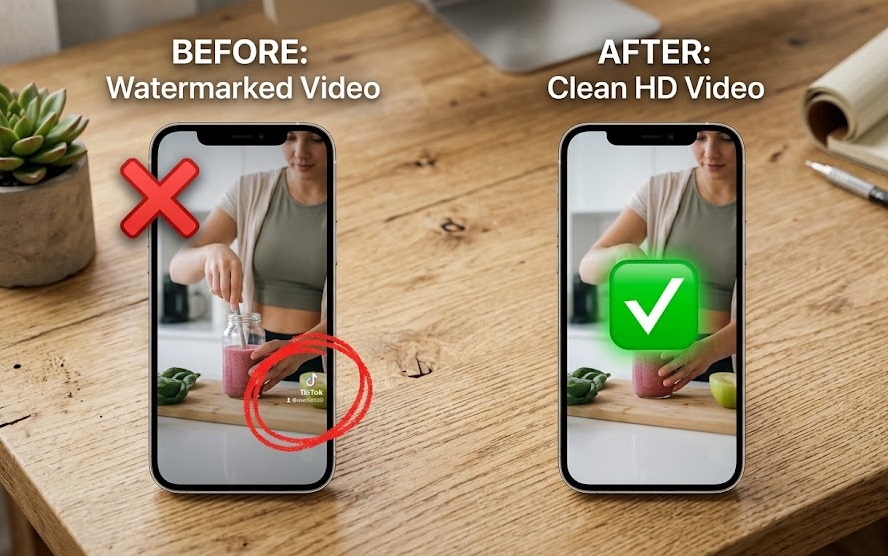
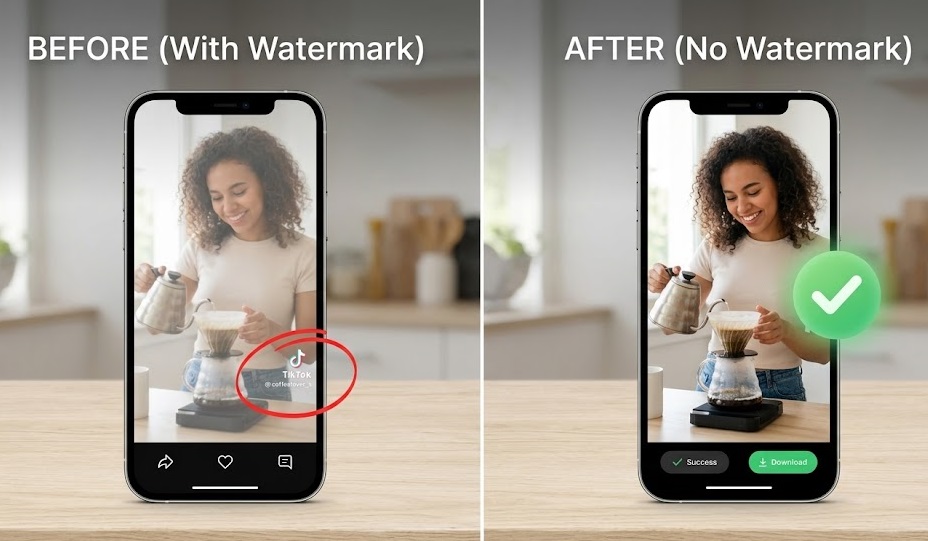
If you are looking to download tiktok no watermark iphone, you are in the right place. Trying to save a video but that bouncing watermark…
Whether you are saving a makeup tutorial, a coding trick, or just a funny meme to share in your group chat, the native TikTok download button leaves a lot to be desired. Plus, sometimes the creator disables the download button entirely.
Let’s fix that in exactly two clicks. No spammy apps. No subscriptions.
The Problem with App Store Downloaders
If you search the App Store for an “iPhone TikTok Downloader,” you will instantly be bombarded with dozens of free apps. But here is a quick secret from a web developer’s perspective: most of those apps are just poorly coded web-views.
They force your iPhone to load heavy client-side scripts and intrusive pop-up ads. This not only drains your battery but also risks your privacy.
That’s exactly why we built Instatik. Instead of making your phone do the heavy lifting, we use server-side media fetching. You paste the link, our server processes the video at lightning speed, and hands you a clean MP4 file. It’s lightweight, secure, and works flawlessly on Safari for iOS 18.
How to Save TikToks to Your iPhone Camera Roll (Step-by-Step)
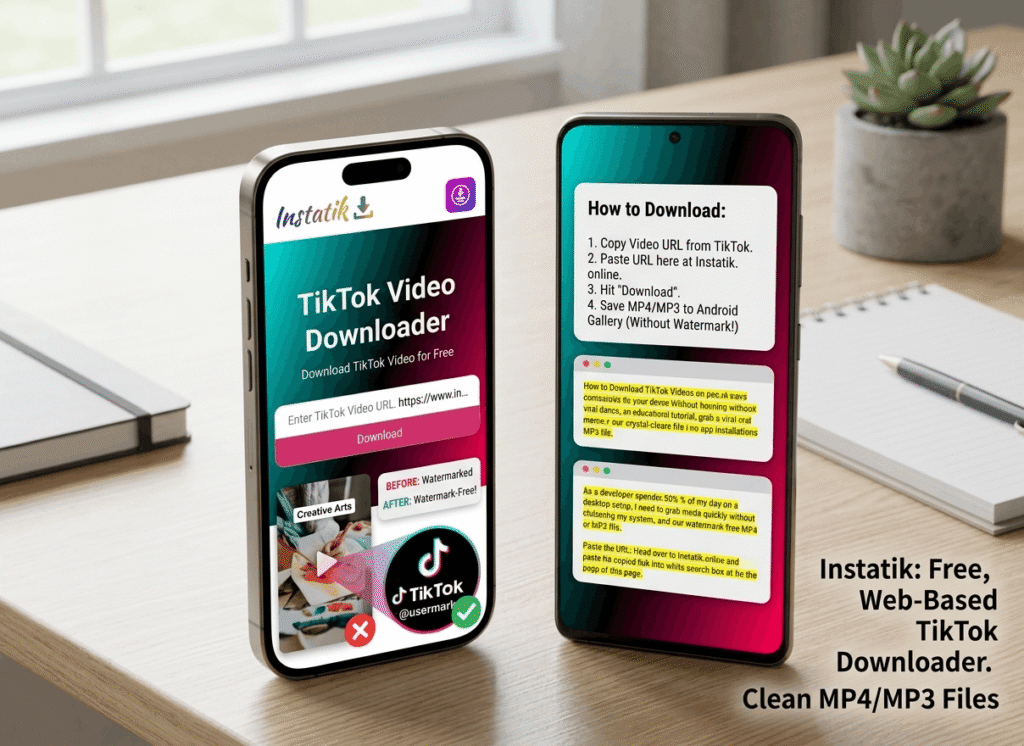
Follow these steps to get your watermark-free video in under 10 seconds:
Step 1: Grab the Video Link
Open your TikTok app and find the video you want. Tap the Share icon (the little arrow on the right side) and hit Copy Link.
Step 2: Open Instatik on Safari
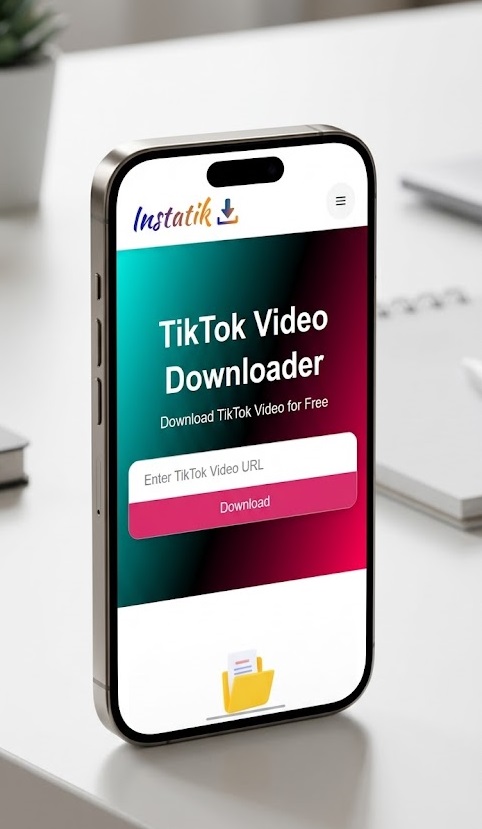
Open Safari (or Chrome) on your iPhone and head over to instatik.online.
Step 3: Paste and Fetch
Paste the copied URL into the search box and tap the Download button. Our servers will instantly extract the highest-quality video file available.
Step 4: Save to Camera Roll (The iOS Trick)
When you hit download on Safari, the video goes into your browser’s “Downloads” folder.
- Tap the blue arrow
(↓)in your Safari address bar. - Tap Downloads and open your video.
- Tap the Share button at the bottom left and select “Save Video.” Boom. It’s now sitting perfectly in your Photos app.
Instatik vs. Typical iOS Apps
Here is a quick look at why thousands of users are switching from native apps to server-side web tools this year:
| Feature | Instatik (Web Tool) | Typical App Store App |
| Watermark Free? | Yes | Sometimes (requires premium) |
| Ads | Minimal / None | Intrusive pop-ups & video ads |
| Storage Space | 0 MB (Browser-based) | 50MB – 100MB+ |
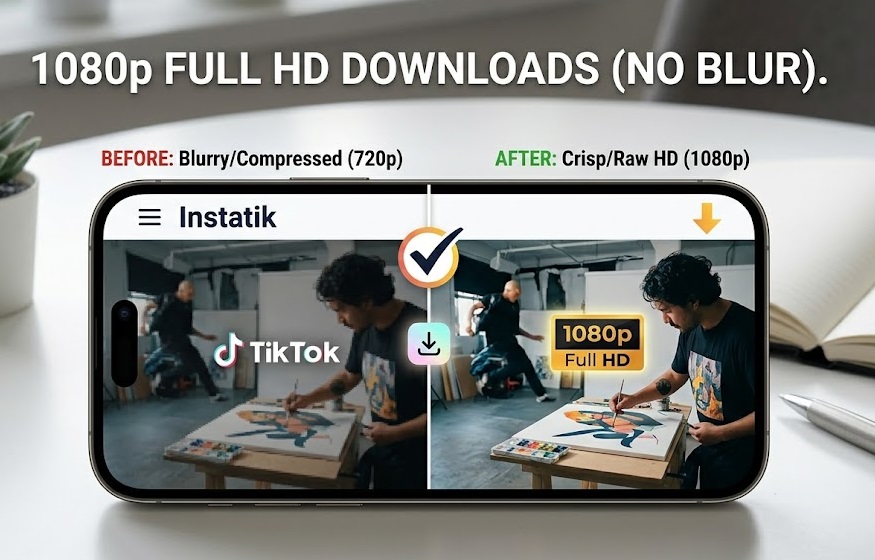
| Video Quality | Original HD | Often compressed |
🔗 Expand Your Creator Toolkit
Are you curating content across multiple platforms? The Instatik infrastructure isn’t just limited to TikTok. If you ever need to grab content from Meta platforms, we use the same high-speed, ad-free technology for those as well.
You can easily pull high-quality videos using our dedicated https://instatik.online/facebook or grab viral Reels using our https://instatik.online/. Keep your whole workflow in one clean hub.
Frequently Asked Questions (iOS 18)
Does this work if the creator turned off downloads?
Yes. Since Instatik fetches the media directly via the URL link, it bypasses the app’s UI restrictions, allowing you to save the video for personal offline viewing.
Will my iPhone get a virus from downloading web videos?
Not with Instatik. Because we process the video on our secure servers, you are only downloading a raw .mp4 video file to your phone. There are no executable files or shady scripts.