Every content creator has run into this exact wall. You use TikTok’s built-in camera filters to record a great piece of content. It is sitting perfectly in your drafts folder. Now, you want to edit it in CapCut or save it for later, but you don’t want to post it to your public feed yet.
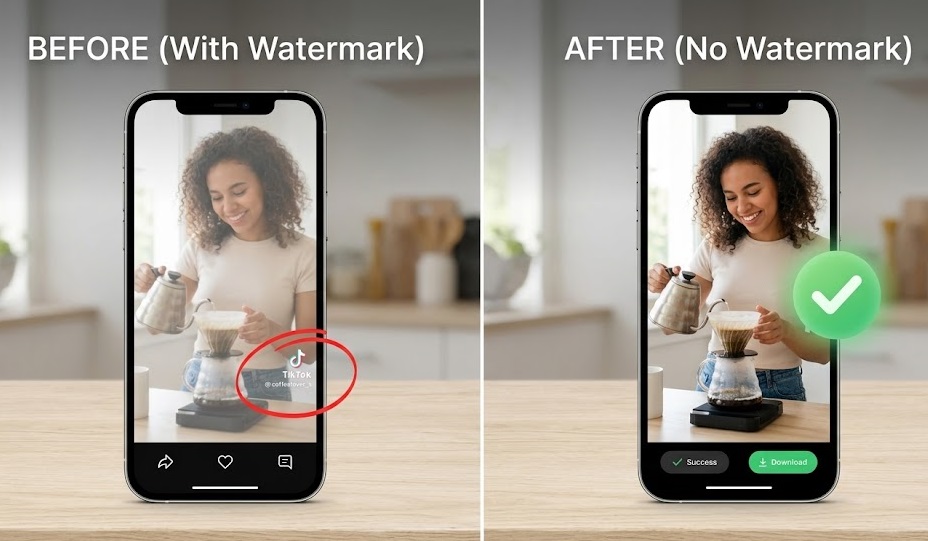
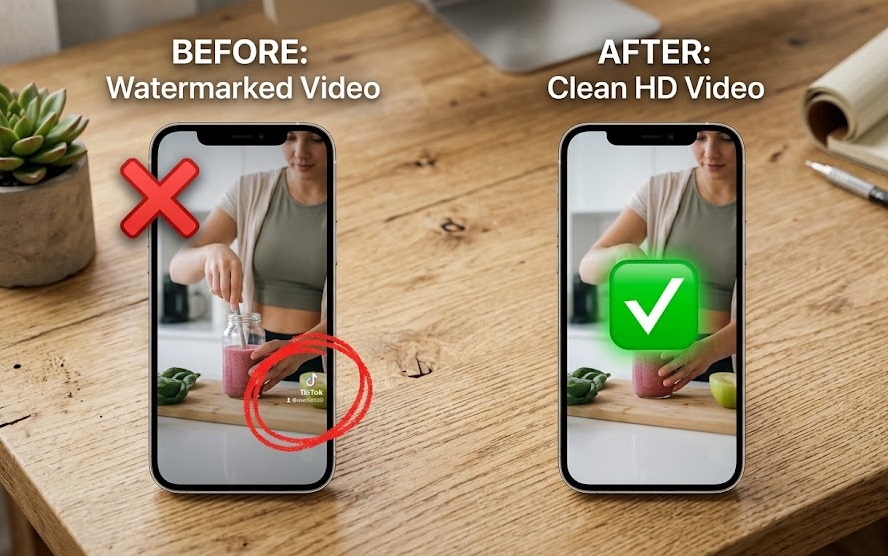
If you try to use the native “Save” button on a draft, TikTok ruins the video by slapping a massive, bouncing watermark right across your face. It is incredibly frustrating.
You cannot directly download tiktok drafts from the app cleanly. But as a developer and creator, I use a very simple workaround to pull the raw, watermark-free file from the server without anyone ever seeing it on my profile.
The “Private Post” Workaround
To save drafts securely and cleanly, we need to trick the app into generating a shareable link without exposing the video to the algorithm. Here is the exact process:
1. Post it privately Open your drafts folder and tap the video you want. Hit “Next” to go to the final posting screen. Change the privacy setting from “Everyone” to “Only Me” (the lock icon). Hit post.
2. Grab the link Your video is now live on the servers, but it is completely invisible to your followers and the For You Page. Go to your profile, tap the lock icon tab to view your private videos, open the video, tap the three dots, and hit Copy Link.
3. Strip the watermark Now that you have a link, open your browser and head over to our main fetcher at Instatik TikTok Downloader. Paste the link into the box and hit download.
Our tool will grab the raw MP4 from the private link and hand you a perfectly clean, watermark-free video. Once it is safely in your camera roll, you can go back to the app and delete the private post.
What if you just want your voiceover?
Here is a scenario I run into constantly. Sometimes a draft isn’t a full video—it is just me ranting into the mic or testing a voiceover that I want to use over different gameplay footage.
Instead of saving the heavy MP4 file, you can use our tool to convert tiktok to mp3 directly.
When you paste your private link into Instatik, just click the MP3 download option instead. The backend functions as a high quality audio converter, instantly stripping the visual data away. This is the absolute easiest way to extract audio tiktok files for your podcast or YouTube Shorts edits without clogging up your desktop or phone storage.
(If you want to learn more about keeping your editing timeline clean with just audio files, check out our full guide on extracting high-quality MP3s).
Stop letting your best footage rot in the drafts folder because of annoying watermarks. Use the private post trick, grab the link, and fetch the clean file.